How to Send Long Videos from iPhone to Android Without Compression
Send large or long videos from iPhone to Android without AirDrop, cables, apps, or compression. Use a private download link instead.
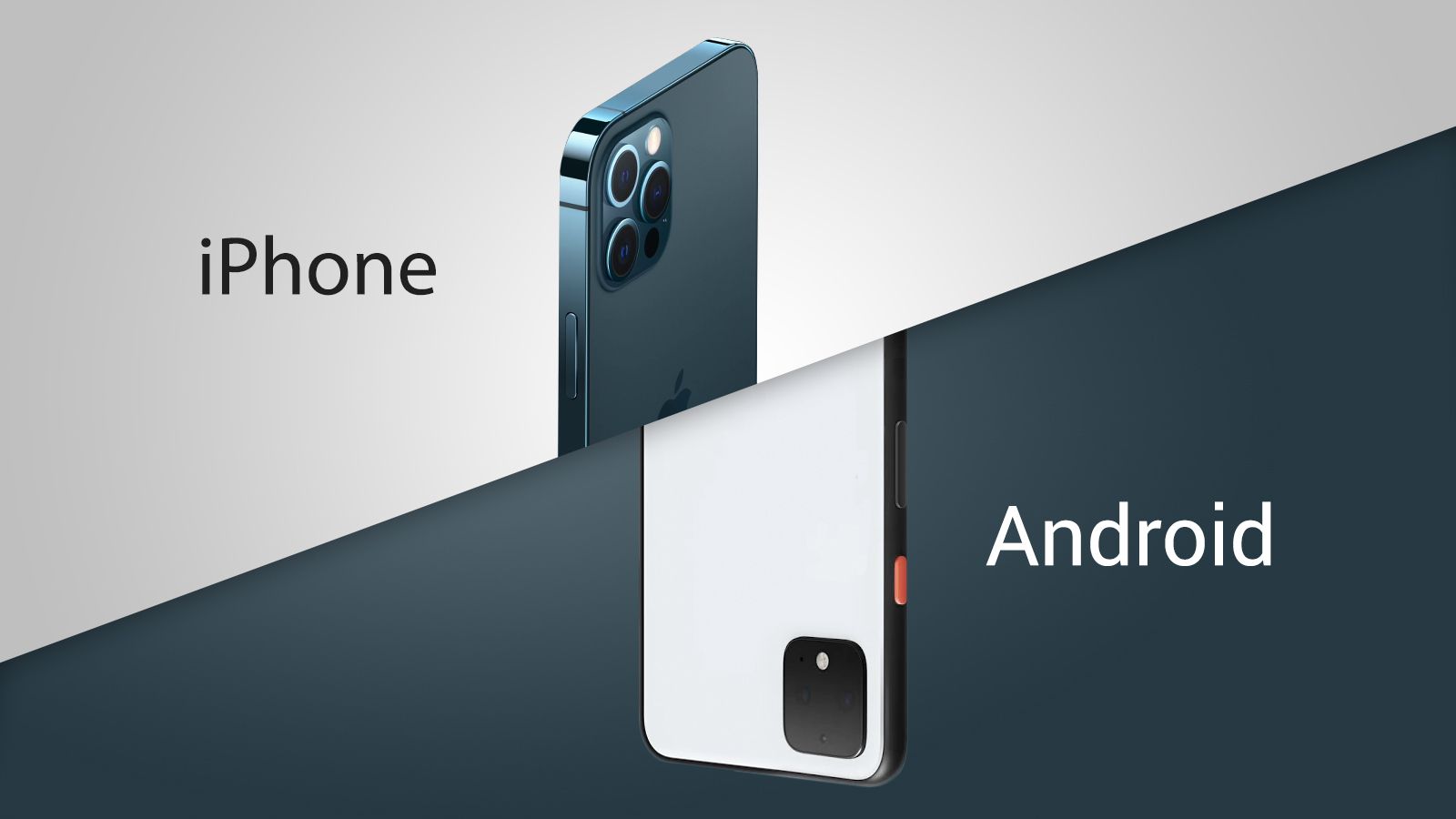
TL;DR - How to Send Large Files Between iPhone and Android
The easiest way to send large files between iPhone and Android is MoreTransfer - open it in your browser, upload your files and get a download link. No app to install, no cables, no file size limits, no compression.
Why the built-in options fall short:
- AirDrop - Apple-only, doesn't work with Android at all
- Bluetooth - painfully slow (~2 Mbps), unreliable for anything over a few hundred MB
- Messaging apps & email - file size caps (25 MB–4 GB) and automatic compression that ruins video quality
Sending to a Windows computer instead? Read our guide on transferring large videos from iPhone to Windows PC.
Sharing files between phones should be simple but when you're dealing with huge videos, project files or raw photos, things get complicated fast. Most built-in tools like AirDrop, Bluetooth, or messaging apps have strict limitations that make large transfers frustrating or impossible.
If you've ever tried sending a 5 GB video to someone only to be greeted with "File too large", this guide is for you. Let's break down why traditional methods fail and how MoreTransfer makes it effortless to move files between any devices - Android or iPhone - no cables required.
Why Traditional Methods Fail for Large Files
1. AirDrop - Fast, but Apple-only
AirDrop works well within Apple's ecosystem, but it's completely closed off to Android users.
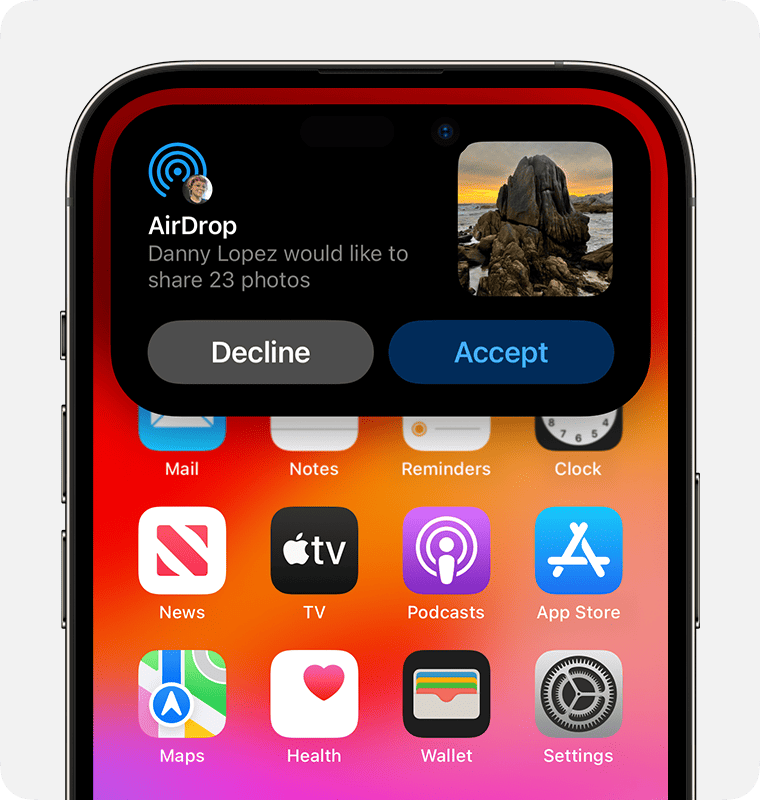
You can't send files from an iPhone to an Android device using AirDrop. Even between iPhones, it struggles with very large files (especially videos over a few gigabytes) and requires both devices to be nearby with Bluetooth and Wi-Fi enabled.
Limitations:
- iOS-only
- No support for Android
- Requires close proximity (≈10 m range)
- Range limited to about 10 meters
- Can fail on large files due to temporary storage limits
2. Bluetooth - Universal but painfully slow
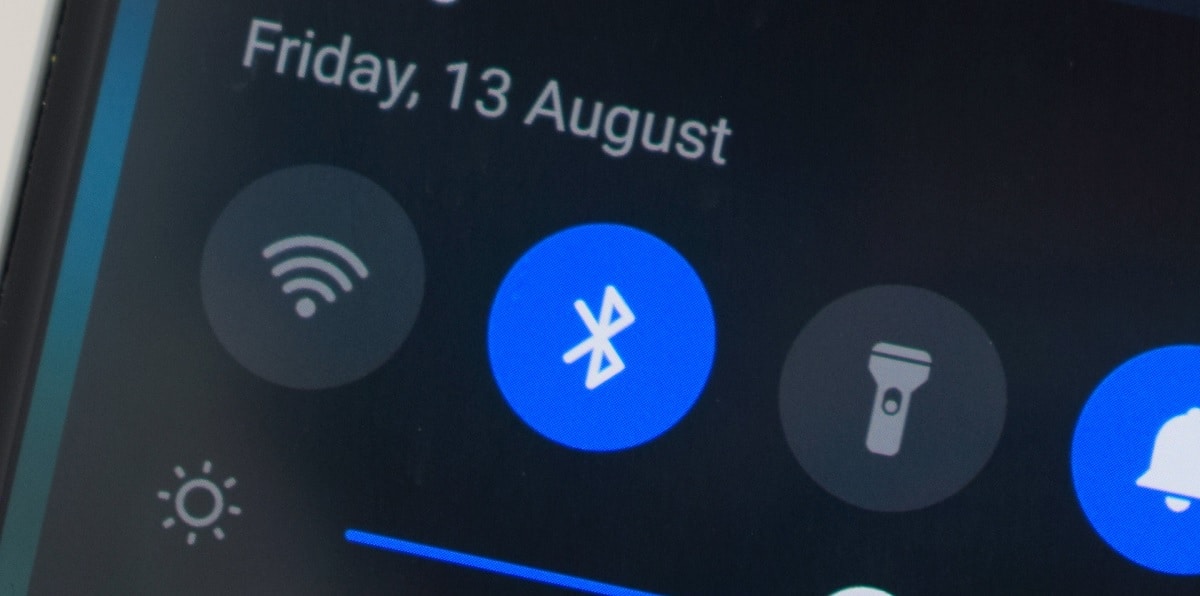
Bluetooth is great for small items like contacts or text notes, but not for media files.
The transfer speed typically caps around 2 Mbps, meaning a 1 GB file could take over an hour to send assuming the connection doesn't drop.
Limitations:
- Requires close proximity
- Extremely slow for large files
- Poor reliability on multi-gigabyte transfers
- Can't handle modern media sizes
3. Messaging Apps & Email - Fast sharing, small limits
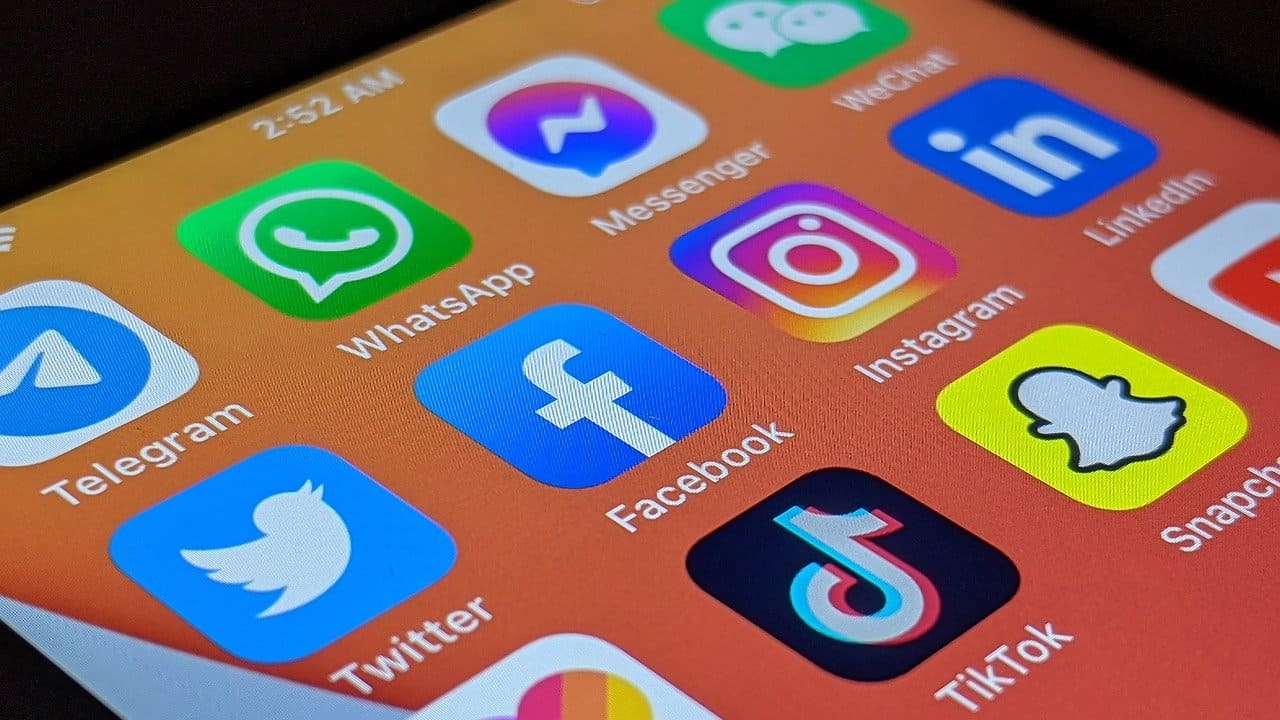
WhatsApp, Telegram and Gmail are convenient, but they compress your files or outright reject large uploads.
Typical limits:
- WhatsApp: 2 GB
- Telegram: 4 GB
- Gmail attachments: 25 MB
These platforms weren't built for transferring large, uncompressed files.
The Better Way: Use MoreTransfer
MoreTransfer was built for exactly this problem. It helps you send massive files, privately and quickly, between any devices. Whether you're sharing a 10 GB video with your friend or sending a 30 GB photo archive to a collaborator, MoreTransfer makes it simple.
How it works:
- Go to moretransfer.com on your phone.
- Upload your files directly from your mobile device.
- Get a secure download link you can use to download the file on the other device
- The recipient can open and download the file instantly - no app required.
Example: Sending a 15 GB video from iPhone to Android (4 Easy Steps)
- On your iPhone, open Safari and visit moretransfer.com.
- Select your 15+ GB videos (or photos).
- Add the email address of the person to receive the file or files (This could even be your own email address), Click SEND.
- That's it! The email address you entered will receive a link to download the files on the other device.
Open it on the other Android/iPhone and download it directly. Full quality, No compression, Anywhere in the world.
Youtube Video See how it is done
Why it works better
| Feature | AirDrop | Bluetooth | Messaging Apps | MoreTransfer |
|---|---|---|---|---|
| Works between Android & iPhone | ❌ | ✅ | ✅ | ✅ |
| File Size Limit | ~5 GB | <1 GB | 2–4 GB | Up to 2TB GB |
| Compression | None | None | Yes | None |
| Range | 10 m | 10 m | Internet | Anywhere |
| Requires App | ✅ | ✅ | ✅ | No apps required |
| Security | Local only | Basic | Varies | Password protection, one-time links, region control |
Why users love it
- No app to install - works right from your browser
- Faster uploads - region-specific transfers route your data closer to home
- No need to be nearby – You can send files from anywhere in the world, even if the other person is far away. It still works!
- Privacy built-in - choose where your files are stored (EU or North America)
- Password-protected & expiring links for peace of mind
- Optimized for mobile networks, resuming if you lose signal mid-upload
That all you need
If you often share large media files between devices, whether you're a filmmaker, Video Editor, designer, student, or remote worker, tools like AirDrop or WhatsApp will eventually hit their limits.
With MoreTransfer, you can securely send up to hundreds of gigabytes from any mobile device to any other, with privacy, speed and simplicity built in.
Try it now at moretransfer.com - and never worry about file size again.
The simple choice
Send your first transfer tonight
MoreTransfer makes it effortless to send large files fast with a clean, private transfer link. Built for creators, teams, and anyone who values simplicity and control.
No credit card required
More from the blog
How to Transfer Large Videos from iPhone to Windows PC (2026 Guide)
AirDrop, USB cables and cloud storage all struggle with large iPhone-to-PC transfers. Here's how to send huge files from your iPhone to a Windows PC using MoreTransfer - no cables, apps, or size limits.
7 mins read

7 Video Feedback Tools for Client Review in 2026
A practical comparison of 7 video feedback tools for editors, agencies, creators and teams that need clearer comments, fewer review loops, and easier client approvals.
6 mins read
How to Send Large Photo Files to Clients Without Cloud Drive Chaos
Send high resolution photos to clients with one simple link, automatic expiry, and an email reminder when it is time to follow up.
4 mins read