
The Essential Tools Used by Video Editors & Filmmakers (From Editing to Final Delivery)
A breakdown of the essential tools video editors and filmmakers use at every stage of the modern production workflow. From editing and motion graphics to collaboration and final file delivery.

From Editing to Final Delivery
Modern video production is no longer just about cutting clips together. Today’s video editors and filmmakers rely on a complete creative workflow, from editing and sound design to collaboration and final delivery.
Whether you’re a solo creator, part of a post production team or running an agency, using the right tools at each stage can dramatically improve speed, quality and client experience.
Below are five core categories that make up a professional video workflow, along with the most popular tools used by working creators today.
1. Video Editing Software
Adobe Premiere Pro
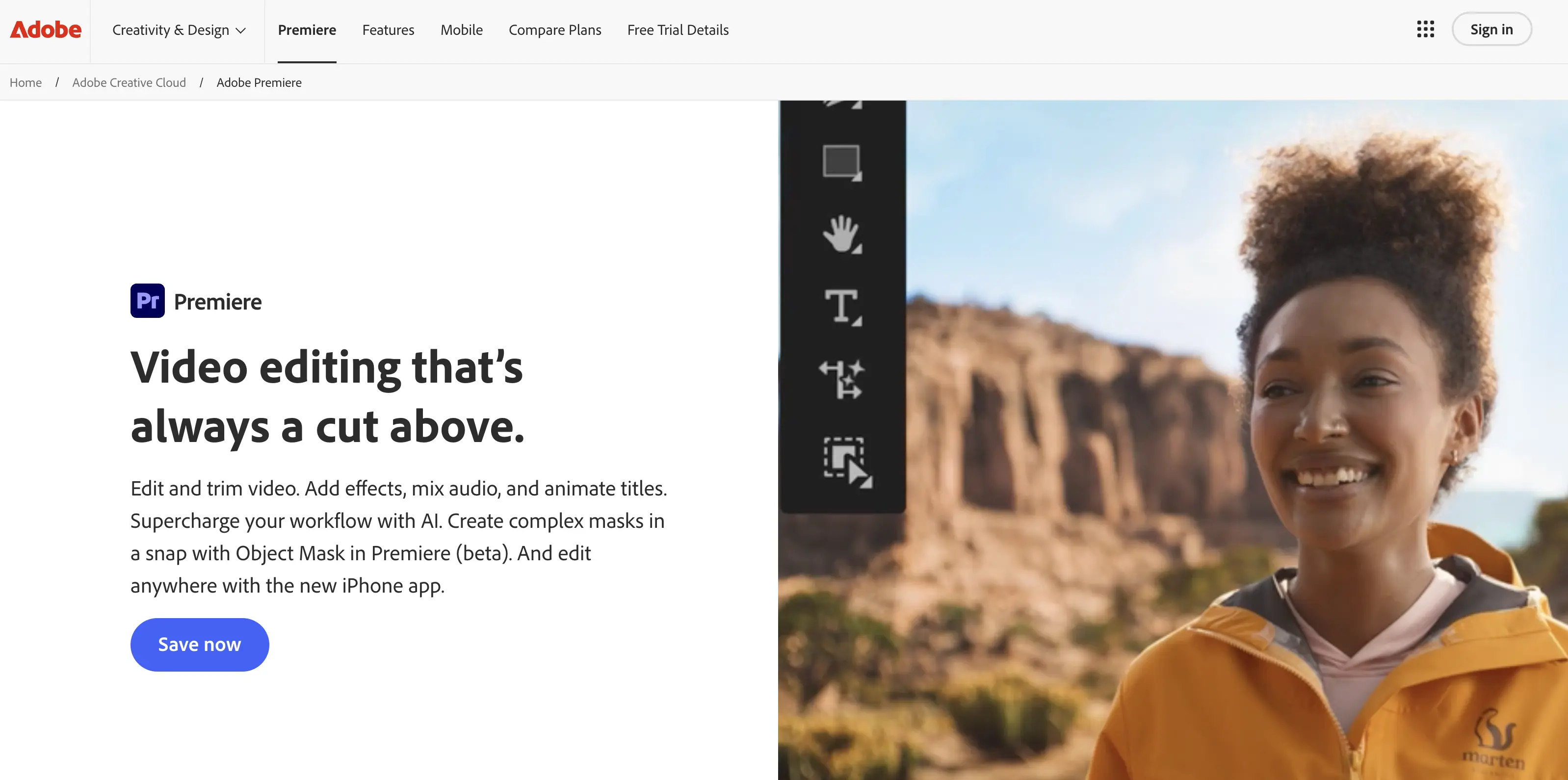
Adobe Premiere Pro is one of the most widely used video editing tools among professionals, freelancers, agencies and YouTubers. It supports everything from short form social content to feature length films and integrates seamlessly with other Adobe tools.
Editors rely on Premiere Pro for its flexible timeline, broad codec support and massive ecosystem of plugins, presets and tutorials making it a reliable backbone for nearly any video project.
Best for:
- Professional video editing
- Commercial, YouTube and documentary workflows
- Editors working in collaborative environments
2. Motion Graphics & Visual Effects
After Effects
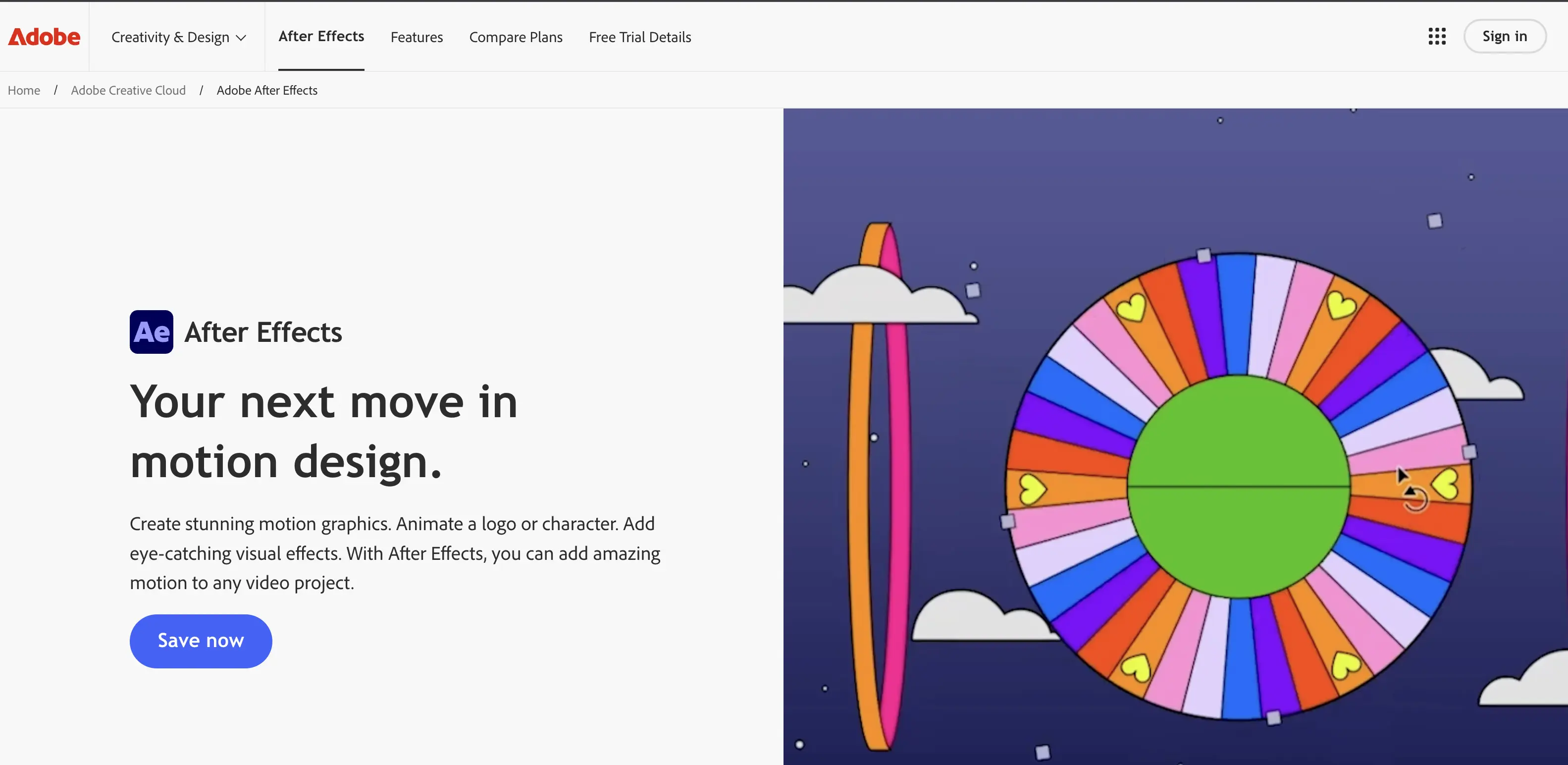
After Effects is the industry standard for motion graphics, visual effects and animated titles. It’s used to create everything from lower thirds and transitions to complex compositing and cinematic effects.
Most professional video pipelines include After Effects at some stage especially for branded content, explainers and polished final outputs that demand a higher level of visual storytelling.
Best for:
- Motion graphics and animations
- Visual effects and compositing
- Titles, intros and transitions
3. Audio & Sound Design
Adobe Audition
Clean audio is critical to professional video and Adobe Audition is one of the most commonly used tools for audio cleanup, sound design and mixing.
Editors use Audition to remove background noise, balance dialogue levels and polish soundtracks often round tripping audio directly from Premiere Pro for a smooth post production workflow.
Best for:
- Dialogue cleanup
- Audio mixing and mastering
- Sound design for video projects
4. Review, Collaboration & Final Delivery
MoreTransfer
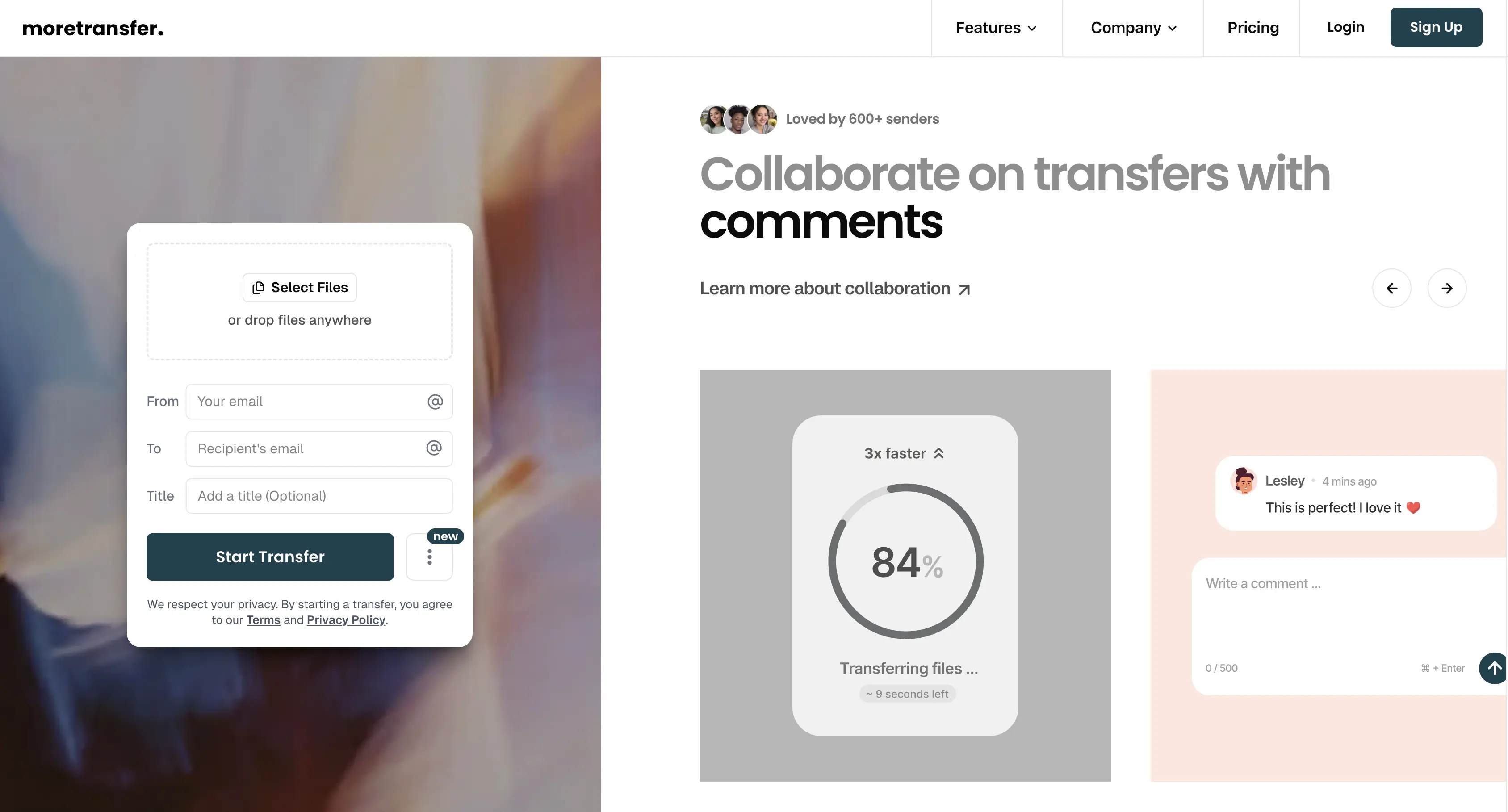
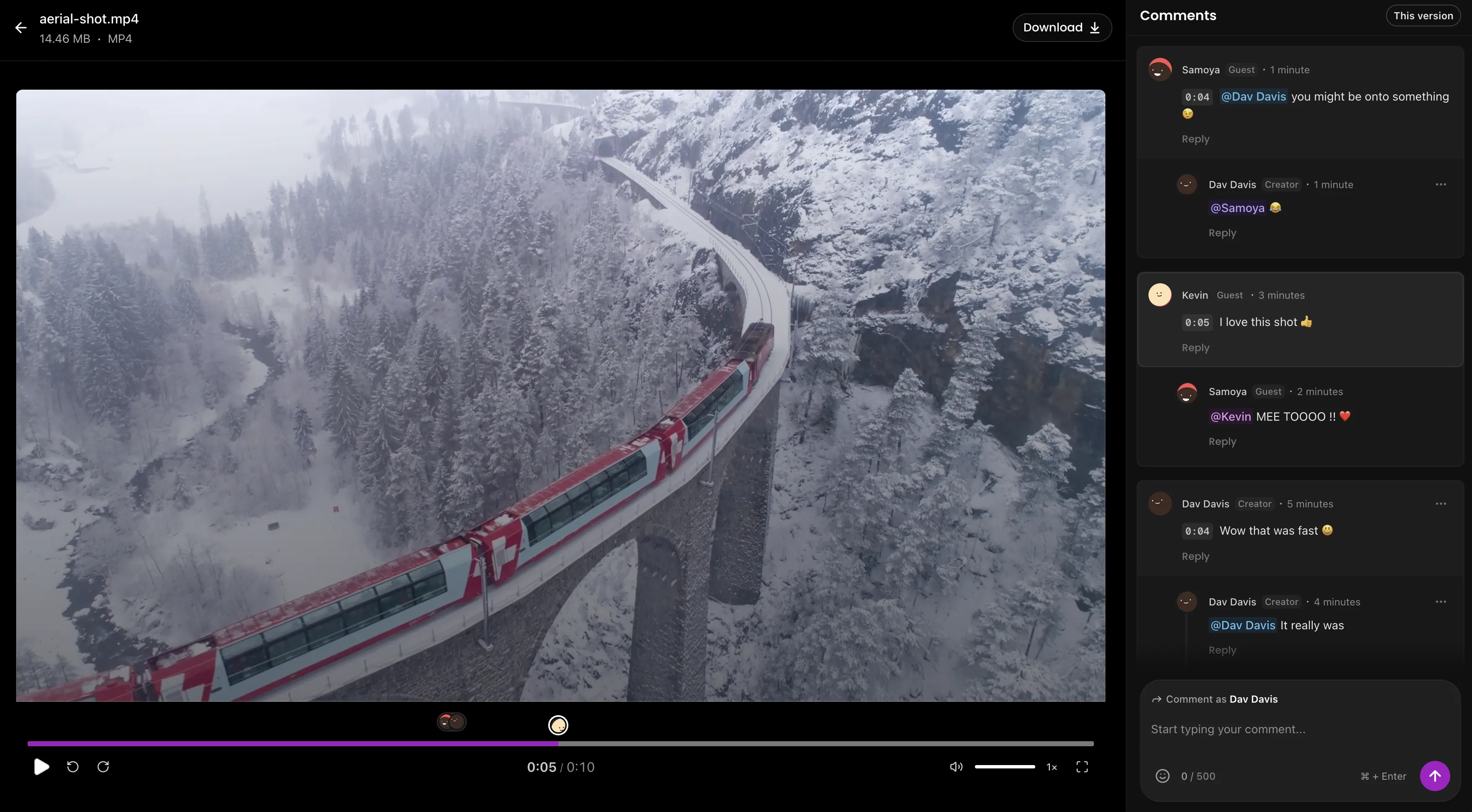
Review, collaboration and delivery are no longer separate steps in a modern video workflow because now they happen together. MoreTransfer brings these stages into a single, streamlined experience designed specifically for creators.
Editors and filmmakers can now share videos, collect comments and deliver final files from one place. Clients and collaborators can leave contextual feedback directly on shared files, reducing long email threads, missed notes and version confusion.
Traditionally, tools like Frame.io have been used solely for review and approvals, with file delivery handled elsewhere. MoreTransfer simplifies this by combining fast file transfer with lightweight collaboration, allowing creators to move from feedback to final delivery without switching tools.
Instead of managing multiple platforms, folders and permissions, creators can upload, share, review and deliver then move on to the next project.
Best for:
- Client feedback and comments on shared videos
- Collaborating with remote teams
- Delivering large final
Honorable Mentions
In addition to the core tools used in most professional video workflows, these tools are commonly used by video editors and filmmakers for specialized tasks such as color grading, audio post-production, visual effects and asset storage.
DaVinci Resolve
DaVinci Resolve is widely used for professional color grading and film finishing. Many editors use it alongside other editing software for final color correction and mastering.
Best for color grading and film finishing
Blender
Blender is a popular open-source tool for 3D animation and visual effects. It is commonly used in indie film and motion graphics workflows.
Best for 3D animation and visual effects
Pro Tools
Pro Tools is the industry standard for professional audio post production in film and television. It is used for dialogue editing, sound design and final audio mixing.
Best for audio post production and sound design
Avid Media Composer
Avid Media Composer is widely used in feature film and television production due to its robust media management and collaborative editing capabilities.
Best for film and TV editing and large productions
Dropbox
Dropbox is commonly used for storing and sharing video assets. It is typically used for backups and internal access rather than fast client delivery.
Best for asset storage and file backups
Final Thoughts
Professional video production isn’t defined by a single tool, it’s built on a connected workflow. From editing and motion graphics to audio, collaboration and delivery, each stage plays a critical role in producing high-quality work efficiently.
Using industry-trusted tools like Premiere Pro, After Effects, Audition and MoreTransfer allows editors and filmmakers to focus less on friction and more on creativity.
If you’re building or refining your video workflow, start by mastering these essentials. They’re the foundation behind most professional video projects you see today.
The simple choice
Send your first transfer tonight
MoreTransfer makes it effortless to send large files fast with a clean, private transfer link. Built for creators, teams, and anyone who values simplicity and control.
No credit card required
More from the blog

How to Send Large Photo Files to Clients Without Cloud Drive Chaos
Send high resolution photos to clients with one simple link, automatic expiry, and an email reminder when it is time to follow up.
4 mins read

How to Send a 100GB File Securely with an Expiring Link
Need to send a 100GB file without losing control of it? Here is how to use expiring links, passwords, tracking and region choice.
5 mins read
How to Send Large Video Files to Clients for Review
Send full quality video with one review link, keep client comments in one place, and make final delivery feel tidy instead of chaotic.
4 mins read