Best Free File Transfer Sites in 2026
We reviewed the best free file transfer sites in 2026 by real free limits, expiry windows, account requirements and ease of use
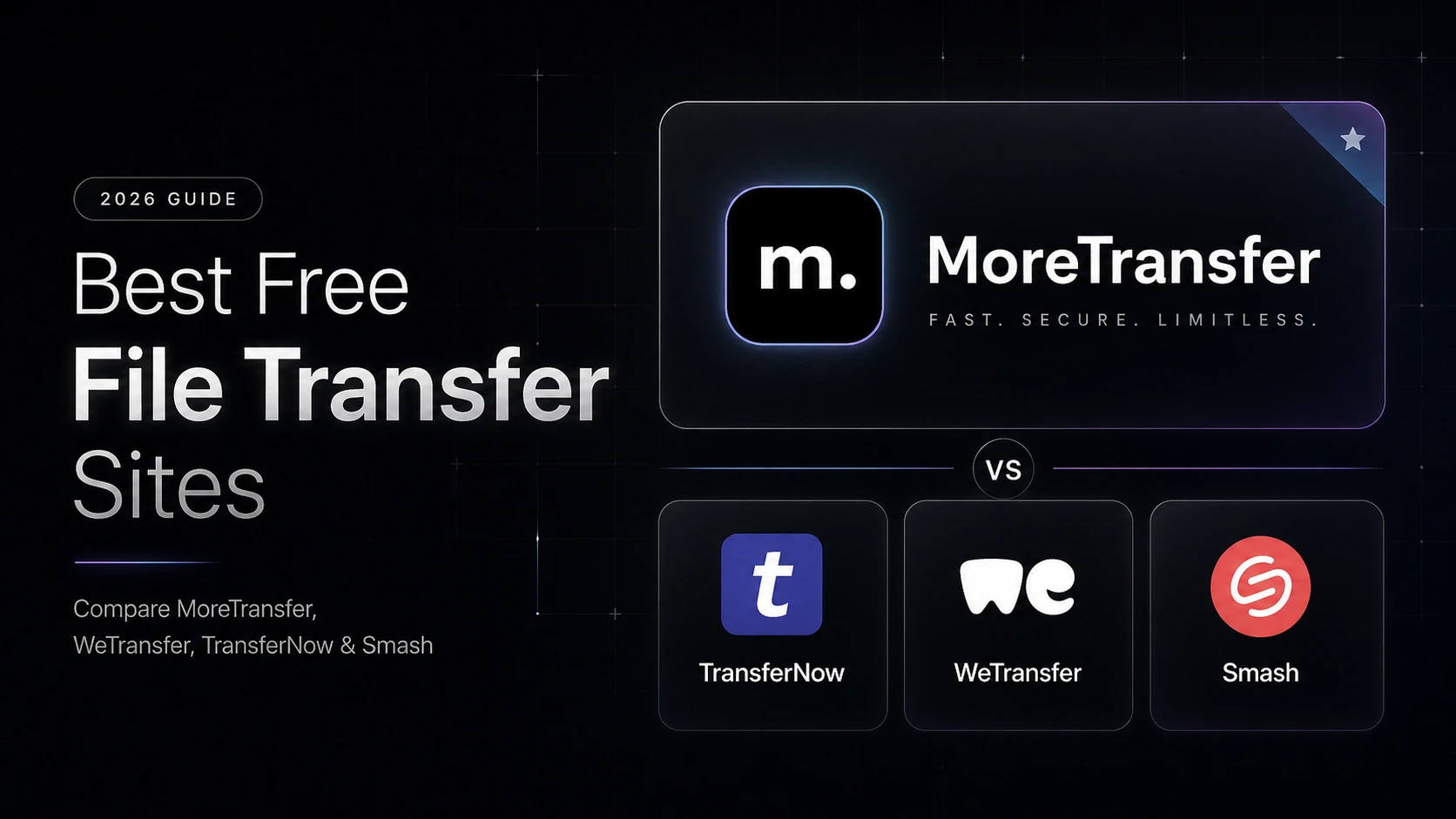
Sending large files should be simple. But in practice, email still blocks big attachments, cloud storage can turn into a permissions headache and “free” plans often come with surprises.
Updated for 2026. We reviewed current free limits, expiry windows, account requirements and best use cases across popular file transfer tools.
Last updated: April 2026
Quick picks
- Best overall for simple private transfers: MoreTransfer
- Best for very large free transfers: SwissTransfer
- Most Popular option: WeTransfer
- Great Pay as you Go Smash
- Best for cloud storage users: Google Drive
- Best for existing Dropbox users: Dropbox Transfer
- Best for client feedback: MoreTransfer
Comparison Table (Free Plans)
| Service | Free limit | Expiry | Account required | Best for | Main downside |
|---|---|---|---|---|---|
 MoreTransfer MoreTransfer | 4 GB / month (up to 4 GB per file) | 3 days | No* | Simple private links + client-friendly delivery | Not the biggest free limit |
 WeTransfer WeTransfer | 3 GB / month (max 10 transfers) | 3 days | No* | Familiar quick sends | Tight monthly cap |
 SwissTransfer SwissTransfer | Up to 50 GB / transfer | 30 days | No | Very large one-off transfers | Less focused on client workflow |
 TransferNow TransferNow | 5 GB / transfer | 7 days | No (optional) | Casual large file sends | Paid plan needed for larger use |
 Smash Smash | 2 GB / transfer | 7 days | No* | Very large files (if you’re patient) | Large uploads may be queued/slower on free |
 Google Drive Google Drive | 15 GB shared storage | No auto-expiry | Yes | Cloud storage + sharing | Permissions can be confusing |
 Dropbox Dropbox | Limited on free/basic plans | Varies | Yes | Dropbox users | Free transfer limit is small |
Want the simplest option?
If you just need to send files without setting up cloud folders, permissions, or client accounts, MoreTransfer gives you a clean transfer link your recipient can open right away.
No credit card required. Recipients do not need an account.
Ranked list
1. MoreTransfer - Best for simple, private file transfers
MoreTransfer
MoreTransfer is a good fit if you want to send files quickly without turning the process into a full cloud-storage workflow. The free plan works well for occasional transfers, while paid plans add larger monthly limits, longer expiry, password protection, transfer reviews and branding.
Free plan snapshot (2026):
- Free limit: 4 GB / month (up to 4 GB per file)
- Expiry: Up to 3 days (auto-expiry enabled)
- Account required? No (email verification may be required)
Where it stands out
- Simple transfer flow
- No recipient account required
- Automatic expiry (File will automatically be deleted from our storage after expiry)
- Built-in review/comments for files (paid plans)
- Privacy-focused (your files remain yours)
Where it may not be the best fit
- The free plan is not the largest on this list
- Heavy senders will likely need a paid plan
2. WeTransfer - Best-known option
WeTransfer
- Free limit: 3 GB / month (max 10 transfers)
- Expiry: 3 days
- Account required? No (email verification may be required)
WeTransfer is still the most recognized name in file transfers. It’s familiar and straightforward, but the free plan has become tighter over time. If you send files regularly, you’ll likely hit the monthly cap quickly.
3. SwissTransfer - Best for very large free transfers
SwissTransfer
- Free limit: Up to 50 GB / transfer
- Expiry: Up to 30 days
- Account required? No
SwissTransfer is one of the most generous free options for huge one-off sends (video exports, RAW photo deliveries, backups). It’s less optimized for client workflow, but it’s hard to beat for pure file size.
4. TransferNow - Best “middle ground” option
TransferNow
- Free limit: 5 GB / transfer
- Expiry: 7 days
- Account required? No (optional)
TransferNow is a practical option if you want a bit more headroom than WeTransfer’s free plan. It’s not as streamlined as the very best tools, but it’s a solid pick for occasional larger sends.
5. Smash - “Unlimited” (with tradeoffs)
Smash
- Free limit: 2 GB / transfer
- Expiry: 7 days
- Account required? No (email verification may be required)
Smash’s headline feature is that it accepts extremely large files but on the free plan, files larger than ~2 GB may be queued and uploads can take significantly longer. It’s a great option when you care more about “can it handle it?” than maximum speed.
6. Google Drive - Best for cloud storage users
Google Drive
- Free limit: 15 GB shared storage
- Expiry: No auto-expiry (you manage it)
- Account required? Yes
Google Drive is great if your goal is storage and collaboration. It’s less ideal when you want a simple “send a file, get a link” flow - especially for clients who don’t want to deal with permissions.
7. Dropbox Transfer - Best for existing Dropbox users
Dropbox Transfer
- Free limit: Limited on free/basic plans
- Expiry: Varies
- Account required? Yes
Dropbox Transfer is convenient inside the Dropbox ecosystem, but free/basic transfer limits tend to be small. If you already pay for Dropbox, it can be great - otherwise it’s rarely the best “free” option.
How to choose the right free file transfer site
- File size: Check both the per-transfer/per-file cap and whether there’s a monthly free cap.
- Expiry: Short expiry is safer for privacy; longer expiry is better for slow-moving projects.
- Recipient experience: A clean link beats confusing folder permissions when speed matters.
- Privacy: Make sure the provider doesn’t claim broad rights over your content.
- Account requirements: Some tools don’t require signup but may require email verification.
- Feedback workflow: If you need comments/review, pick a tool built for that (not just storage).
FAQ
What is the best free file transfer site?
For most quick transfers, MoreTransfer, WeTransfer, SwissTransfer and TransferNow are strong options. The best choice depends on whether you care more about file size, privacy, expiry, or client feedback.
What is the best free file transfer site for large files?
SwissTransfer offers one of the largest free limits, while TransferNow also offers a generous free transfer option. MoreTransfer is better suited for simple private transfers and client-friendly delivery.
Can I send large files without creating an account?
Yes - several services allow no-signup transfers, although limits and expiry rules vary by provider. Some services may require email verification even without a full account.
Is Google Drive better than a file transfer site?
Google Drive is better for storage and collaboration. A file transfer site is usually better when you just want to send files quickly without managing folders and permissions.
What should I use instead of WeTransfer?
If you want a simple alternative with privacy-focused positioning and client-friendly review features, MoreTransfer is worth trying.
What is the best free file transfer site for videos and images
For video files, look beyond headline size limits. You’ll usually care about preview support, download reliability and whether clients can leave feedback, Wether or not compression is applied. MoreTransfer is especially useful if you want to send a file and collect comments in one place (on paid plans)
Best free file transfer site without signup
If you want to send files without creating a full cloud storage account, tools like MoreTransfer, WeTransfer, SwissTransfer and TransferNow are better suited than Google Drive or Dropbox. Some providers may still require email verification.
Best free file transfer site for client work
For client work, the best tool is not always the one with the biggest free limit. You may care more about presentation, privacy, expiry, comments and whether the client needs an account to download.
Best free file transfer site for privacy
Look for automatic expiry, secure transfer links, clear privacy terms and a service that does not claim broad rights over your files. If privacy is your top priority, avoid tools that blur the line between “file transfer” and “cloud storage.”
Written by the MoreTransfer team. We build file transfer software and regularly review file size limits, expiry rules, account requirements and recipient experience across major file transfer tools.
The simple choice
Send your first transfer tonight
MoreTransfer makes it effortless to send large files fast with a clean, private transfer link. Built for creators, teams, and anyone who values simplicity and control.
No credit card required
More from the blog

7 Video Feedback Tools for Client Review in 2026
A practical comparison of 7 video feedback tools for editors, agencies, creators and teams that need clearer comments, fewer review loops, and easier client approvals.
6 mins read

WeTransfer Alternative
A simple, honest comparison for anyone deciding between WeTransfer and MoreTransfer.
3 mins read

We Tried Making File Transfers Faster Than WeTransfer
A side-by-side upload test using a ~1GB file to see how MoreTransfer and WeTransfer perform under the same conditions, no benchmarks, just what happened on screen.
2 mins read